The Fusion of AI and Automation Testing: Revolutionizing QA
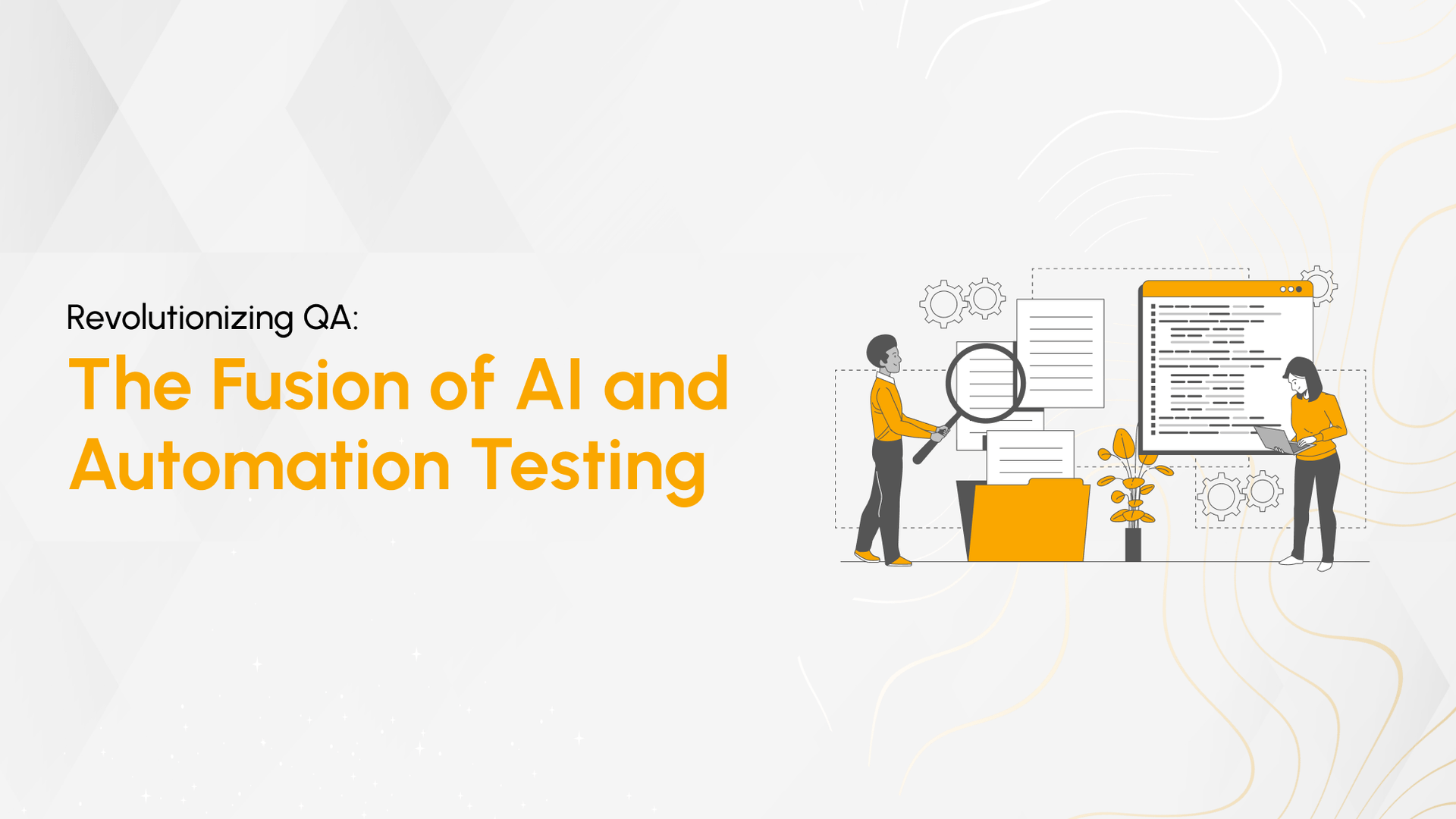
In physics, fusion brings together atomic elements to release immense energy. I find the same idea applies here: when AI combines with automation testing, the impact is not incremental; it’s transformative.
Automation testing handles execution, but AI adds intelligence, adaptability, and decision-making. Together, they reshape how testing is created, executed, and maintained.
This fusion enhances the entire testing lifecycle, from test generation to failure analysis, making quality assurance faster, more accurate, and significantly more scalable.
Imagine all these things:
- Someone fixes the automation scripts automatically that keep on failing because of UI changes.
- Someone predicts the issues/bugs even before they are discovered.
- Someone generates all the test cases.
- Someone reviews your test scripts and optimizes them.
- Someone generates test cases using natural language.
- Someone finds the root cause of why the scripts are failing.
That someone is AI. The right usage of AI can help us in all the above-mentioned scenarios.
How AI Enhances Automation Testing
1. Fixing Automation Scripts Automatically
AI continuously monitors automation script execution and identifies failures through logs and error analysis.
It compares current UI structures with expected ones, mapping elements based on context, position, and functionality.
Selectors, XPaths, and locators are automatically updated to match UI changes, reducing manual intervention.
With each correction, AI improves its ability to handle similar changes, making automation more resilient over time.
2. Predicting Issues/Bugs
AI analyzes historical defect data to identify recurring patterns and high-risk areas.
By evaluating code complexity and structure, it detects sections prone to failures.
This allows teams to prioritize testing efforts and address potential issues before they impact production.
3. Generating Test Cases
AI processes requirements, user stories, and specifications using natural language understanding.
It performs code analysis to map application logic and data flow.
Sleep Easy Before Launch
We'll stress-test your app so users don't have to.
Test cases are generated across positive, negative, boundary, and edge scenarios, ensuring broader coverage.
Realistic test data is also created, improving the effectiveness of execution.
4. Generating Test Cases Using Natural Language
AI extracts key details such as features, constraints, and expected behaviors from natural language inputs.
It interprets intent, identifies conditions and actions, and converts them into structured test cases.
The output is clear, human-readable test scenarios that align closely with business requirements.
5. Finding the Root Cause of Failing Scripts

AI analyzes logs, console outputs, and system behavior to detect failure patterns.
It traces data flow within scripts to identify where inconsistencies occur.
By identifying anomalies and deviations, AI isolates root causes quickly, reducing debugging time significantly.
Enhancing Existing Test Suites
AI improves existing test suites by identifying inefficiencies and enhancing execution quality.
Test Case Optimization
Removes redundant or low-value tests based on execution history.
Dynamic Test Data Generation
Creates context-aware, realistic test data for better coverage.
Self-Healing Scripts
Automatically updates scripts when UI elements change, reducing maintenance effort.
Suggested Reads- A Comprehensive Guide to Writing Effective Software Test Cases
Example of an AI-Driven Test Automation Tool
AI-driven tools demonstrate how these capabilities work in real-world testing environments.
AI-Powered Element Locators
Analyze multiple attributes to create resilient element identification.
Automatic Test Creation
Convert recorded user actions into structured, editable test scripts.
Dynamic Test Stabilization
Adapt to UI changes during execution, reducing test failures.
Anomaly Detection
Identify unusual system behavior even without explicit failures.
Intelligent Wait Times
Adjust wait durations dynamically based on application performance.
Sleep Easy Before Launch
We'll stress-test your app so users don't have to.
Codeless Test Creation and Editing
Enable test creation without code, while allowing advanced customization when needed.
FAQ
How does AI improve automation testing?
AI enhances automation by enabling self-healing scripts, predictive bug detection, intelligent test generation, and faster root cause analysis.
What are self-healing test scripts?
Self-healing scripts automatically update locators and elements when UI changes, reducing manual maintenance effort.
Can AI generate test cases automatically?
Yes, AI can generate test cases from requirements, user stories, and code analysis, covering multiple scenarios efficiently.
How does AI help in bug prediction?
AI analyzes historical data and code complexity to identify high-risk areas and predict potential failures before they occur.
Are AI testing tools replacing manual testing?
No. AI enhances testing processes by automating repetitive tasks, allowing testers to focus on strategy and complex scenarios.
Conclusion
AI is redefining how software testing is approached, not by replacing automation, but by making it significantly more intelligent.
Instead of reactive debugging and repetitive maintenance, testing becomes predictive, adaptive, and efficient.
By integrating AI into automation workflows, teams can improve accuracy, reduce effort, and accelerate delivery timelines.
This shift is not just an improvement; it’s a fundamental change in how quality assurance is executed at scale.

Rabbani Shaik
AI enthusiast who loves building cool stuff by leveraging AI. I explore new tools, experiment with ideas, and share what I learn along the way. Always curious, always building!