How To Hire Shopify Developers in the USA at an Affordable Rate?
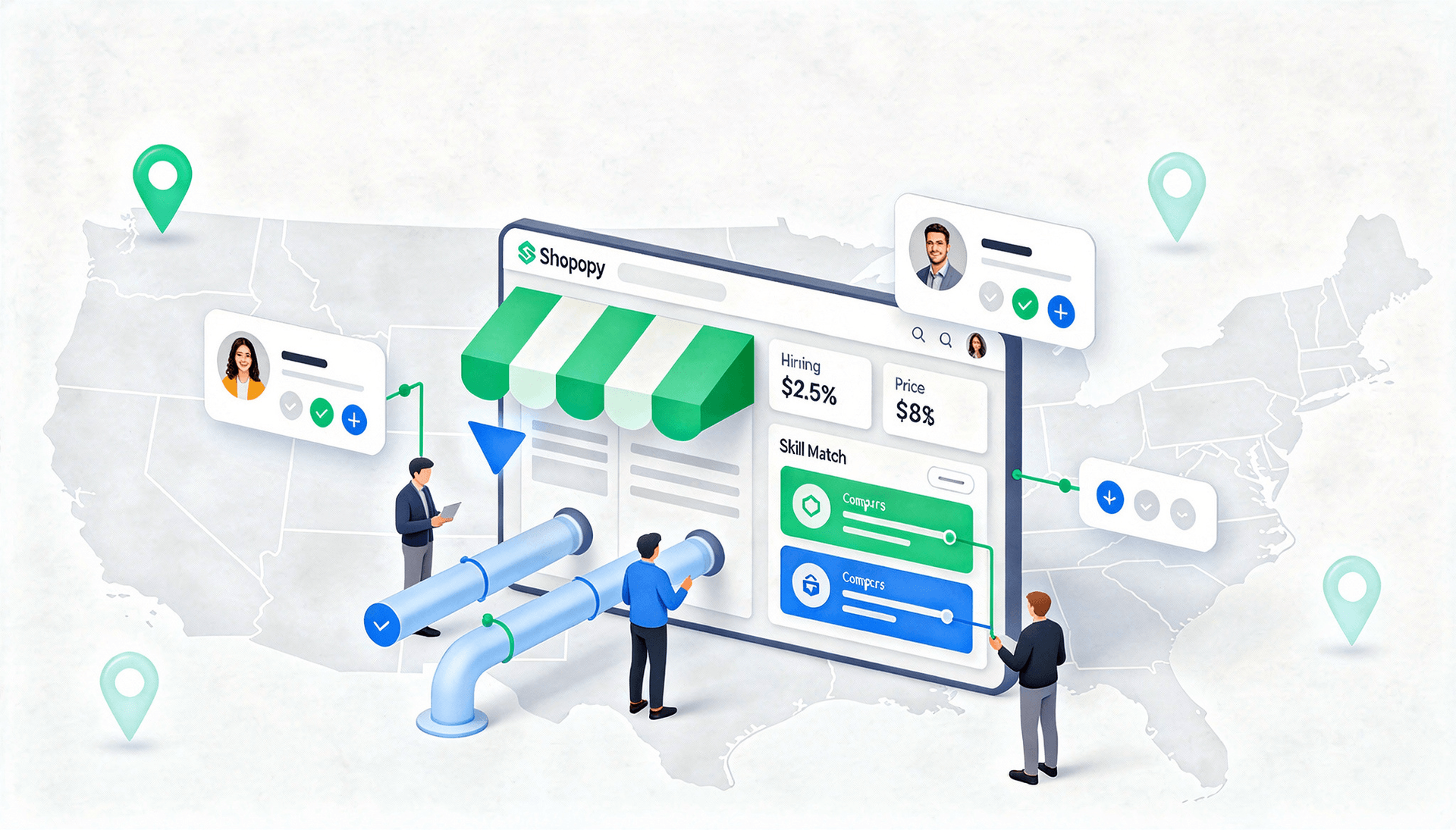
Many businesses start with Shopify because it makes launching an online store genuinely simple. A theme, a product catalog, a payment gateway, and you're live. For a while, that's enough.
But growth changes the equation. Custom features become harder to build without touching code. Third-party integrations start requiring real API work. Store performance begins affecting conversion rates in ways a theme update can't fix. Scaling across markets, channels, or customer segments adds complexity that out-of-the-box Shopify wasn't designed to handle alone.
This is usually the moment businesses start looking to hire Shopify developers. And that's where a different kind of challenge begins, not finding someone who calls themselves a Shopify developer, but finding the right one. Someone who understands your project requirements, has done this kind of work before, and can support your store long after the initial build is done.
This guide walks you through how to hire Shopify developers in the USA, what to look for, which hiring model makes sense for your situation, what it actually costs, and the mistakes worth avoiding before you make a decision.
How to Hire Shopify Developers in the USA
Step 1: Define Your Shopify Project Requirements
The biggest source of bad Shopify hires is a vague brief. When you're not precise about what you need, you end up interviewing the wrong candidates, receiving misaligned proposals, and making decisions based on price rather than fit.
Before approaching any developer, define your project scope clearly. Ask yourself:
- Is this a new store build, or are you improving an existing one?
- Do you need theme customization, or custom functionality that Shopify's theme editor can't handle?
- Are there third-party systems, ERPs, CRMs, or fulfillment platforms that need to connect to your store?
- Are you on standard Shopify or Shopify Plus, and does your roadmap involve moving between them?
Common project categories include store setup and theme work, custom app development, third-party integrations, performance optimization, and Shopify Plus implementations. Most projects involve more than one.
The clearer your scope, the easier it is to find a developer whose experience actually matches what you're building, and to hold them accountable once work begins.
Step 2: Decide the Hiring Model
Once you know what needs to be built, the next question is how you want to structure the engagement. The hiring model you choose affects cost, speed, accountability, and how much management effort falls on you.
Freelancers are a reasonable option for small, well-defined tasks, a landing page, a theme fix, or a single integration. They're fast to hire and typically charge less than agencies. The trade-off is that you're responsible for vetting, project management, and quality control. Outcomes depend heavily on the individual.
Dedicated developers, usually sourced through a managed services firm or development partner, give you a single senior developer focused on your store. This model works well for ongoing development without the overhead of a full agency relationship.
Agencies bring a team, a developer, a designer, and a project manager to the table. They're best suited for complex, multi-phase projects where you need structured delivery, cross-functional skills, and someone else to manage the process.
In-house teams make sense when Shopify development is a continuous, core function of your business. The cost and hiring timeline are significantly higher, but the depth of store knowledge you build over time is hard to replicate with external teams.
Choosing the right model early prevents the frustrating situation of hiring a freelancer for a project that needed a team, or paying agency rates for a task a single mid-level developer could handle.
Step 3: Shortlist Shopify Developers With Relevant Experience
Shopify development covers a wide range of specializations. A developer with five years of experience building fashion stores is not automatically the right fit for a B2B wholesale portal or a headless Shopify migration. Relevant experience matters more than total experience.
When shortlisting candidates, prioritize:
- Similar industries — someone who's worked in your vertical understands your customers, your catalog structure, and your operational constraints without needing to be educated on them
- Shopify Plus projects — if your roadmap involves enterprise features, this is non-negotiable
- Live store URLs — ask for them and actually open the stores. Click through, check speed, test on mobile
- App and integration experience — if your project involves custom functionality or connecting external systems, verify they've shipped working solutions, not just read the documentation
A shortlist of four or five candidates with directly relevant experience will serve you better than a pipeline of twenty generalists. Depth of fit beats volume of options.
Step 4: Review Technical Skills
Portfolios tell you what a developer has built. A technical skills review tells you whether they can build what you need. These aren't the same thing; a developer can have a strong portfolio of simpler projects and still lack the depth your project requires.
Core skills to evaluate:
- Shopify Liquid — Shopify's native templating language, essential for any theme or storefront work. Fluency here is a baseline requirement, not a differentiator
- HTML, CSS, and JavaScript — the foundation of every Shopify store. Look for clean, semantic code; excessive workarounds in a portfolio are a warning sign
- Shopify APIs — both the REST Admin API and GraphQL Storefront API. Critical for custom apps, integrations, and any headless implementation
- Webhooks — used for real-time syncing between Shopify and external systems. Often overlooked in job listings, but essential for anything beyond a simple store
- Performance optimization — Core Web Vitals, image handling, script loading, app impact auditing. Store speed directly affects conversions, and developers who don't think about performance create problems that show up after launch
Ask candidates to walk you through a technical decision they made on a past project. How they explain their reasoning, and whether they can explain it at all, tells you more than a skills checklist ever will.
Step 5: Check Previous Shopify Work
No portfolio review is complete if you're only looking at screenshots. Screenshots show you what a developer wants you to see. Live stores show you reality.
When reviewing previous work, assess:
- Store speed — run live store URLs through Google PageSpeed Insights. A mobile score below 60 should raise questions; 75 and above is a healthy baseline for a well-optimized Shopify store
- UX quality — Is navigation clear? Are product pages persuasive? Does the layout guide customers toward a purchase, or does it create friction?
- Mobile experience — over 70% of Shopify traffic happens on mobile. If their stores feel clunky or broken on a phone, that reflects their default standard of work
- Checkout flow — this is where revenue is made or lost. Walk through the checkout on their portfolio stores and assess how smooth and trust-building the experience actually feels
If a candidate can't provide live store URLs and offers only design mockups, treat that as a hard disqualifier. Mockups don't reveal how a store performs under real conditions.
Partner with Us for Success
Experience seamless collaboration and exceptional results.
Step 6: Conduct Interviews and Technical Validation
The interview is where you test how a developer thinks, not just what they know. Generic questions produce generic answers. These produce useful ones:
- "Walk me through the most technically complex Shopify project you've worked on." Forces specificity. Vague answers signal shallow experience.
- "How have you handled a store that needed to scale significantly in a short period?" Reveals whether they think about infrastructure, performance, and capacity, not just feature delivery.
- "Describe an integration you've built. What edge cases came up, and how did you handle them?" Strong developers anticipate failure modes. The best ones have already solved the ones you haven't thought of yet.
- "What does your process look like for maintaining a store after launch?" Separates developers who disappear post-delivery from those who treat long-term support as part of the job.
For technical validation, give a small paid test task, a Liquid bug fix, a custom section build from a design file, or a basic API call. Two hours of real work reveal more than two hours of interview.
Step 7: Start With a Small Project or Trial
Before committing to a large or long-term engagement, reduce your risk with a paid trial. This isn't a test of whether the developer is good; it's a test of whether they're a good fit for your project, your communication style, and your delivery expectations.
Effective trial tasks are small enough to complete in a few days but real enough to reveal how someone works:
- A set of theme fixes on a staging store with a clear deadline
- A custom section built from a Figma or design file
- A single third-party integration using the Admin API
- A performance audit with specific recommendations and one implemented improvement
Evaluate the process as much as the output. Did they ask smart, clarifying questions before starting? Did they communicate progress? Did they hit the deadline? These habits at trial scale are exactly what you'll get at full project scale.
Step 8: Finalize Scope, Cost, and Support Terms
The conversations you skip before a project starts become the disputes you have halfway through it. Once you've chosen a developer, document everything before a line of code is written.
Cover all of the following:
- Timeline- milestone-based delivery dates, not a single final deadline months away
- Ownership- confirm in writing that all code, assets, and customizations transfer to you upon payment
- Support window- how long will bugs be fixed post-launch, at what rate, and under what conditions?
- Maintenance terms- ongoing retainer structure, response time expectations, what's included versus what gets billed separately
- Deliverables- an itemized list of exactly what will be built. If it's not on the list, it's not in scope
A signed statement of work protects both parties. More importantly, it creates the shared clarity that makes projects succeed.
Types of Shopify Developers You Can Hire
The right type of developer depends on your project requirements, technical complexity, and where your store is headed.
Theme Developers specialize in storefront design and customization, Liquid, HTML, CSS, JavaScript, and Shopify 2.0 section architecture. They're the right hire for redesigns, UI improvements, and custom landing pages where the primary investment is in how the store looks and feels.
App Developers build custom Shopify applications when the App Store doesn't have what you need. Private apps, subscription systems, automation workflows, business-specific tools, if it requires custom backend logic and API work, this is the specialist you need.
Shopify Plus Developers work on enterprise-tier implementations: custom checkout extensibility, B2B commerce portals, Launchpad automations, multi-store management, and high-volume performance requirements. Only necessary if you're on the Plus plan, but essential when you are.
Headless Shopify Developers decouple the storefront from Shopify's backend, building custom frontend experiences using Shopify's Storefront API with frameworks like Next.js or Shopify's own Hydrogen. The right choice for brands that need maximum frontend performance and design flexibility beyond what standard themes allow.
Full-Stack Shopify Experts handle both frontend and backend. They're the most versatile hire for complex builds where you want one person accountable for the entire stack, from storefront to custom app to third-party integration.
Skills to Look for Before Hiring Shopify Developers
Hiring decisions built on years of experience and portfolio aesthetics miss the technical depth that actually determines project success. Before hiring, evaluate these specifically:
Shopify Liquid — Essential for any theme or storefront work. Developers should be able to write clean, efficient Liquid code, not just modify what's already there.
Front-End Development — HTML, CSS, and JavaScript for responsive layouts, interactive UI elements, and dynamic storefront behavior. Look for developers who write clean code, not patches on top of patches.
Shopify APIs and Integrations — Familiarity with both REST and GraphQL APIs, webhook configuration, and experience connecting Shopify to external platforms like CRMs, ERPs, payment gateways, and analytics systems.
Performance Optimization — Store speed is a conversion factor, not a nice-to-have. Look for developers with experience improving Core Web Vitals scores, managing app bloat, and optimizing for mobile-first performance.
Shopify Plus Experience — For enterprise stores, this means hands-on experience with checkout extensibility, Shopify Flow, B2B features, and multi-store architecture.
Communication and Problem Solving — Projects rarely go exactly to plan. A developer who communicates clearly, takes ownership of problems, and works collaboratively through challenges is worth more than one who is technically stronger but difficult to manage.
Freelancers vs Agencies vs Dedicated Shopify Teams
| Factor | Freelancers | Agencies | Dedicated Shopify Teams |
Best For | Small tasks, theme edits, bug fixes | Large projects, full store builds | Long-term development and scaling |
Cost | Usually lower | Higher due to team overhead | Moderate, depending on engagement |
Expertise | Depends on the individual | Access to multiple specialists | Focused Shopify expertise with continuity |
Scalability | Limited | High | High |
Speed | Fast for smaller tasks | Depends on project process | Consistent delivery with dedicated resources |
Support | Often project-based | Structured support available | Continuous support and maintenance |
Flexibility | High for short-term work | Moderate | High for evolving requirements |
Risk | Higher — dependency on one person | Lower due to team structure | Lower with dedicated ownership |
Freelancers work well for small, defined improvements where you're comfortable managing the process yourself.
Agencies are the right choice for complex, end-to-end Shopify projects that need structured delivery across multiple disciplines.
Dedicated Shopify teams, typically through a managed development partner, offer the best combination of expertise, continuity, and cost efficiency for businesses planning long-term growth.
Common Mistakes to Avoid When Hiring Shopify Developers
1. Hiring Based Only on Cost.
The cheapest option rarely stays cheap. Poor-quality Shopify work creates compounding problems, broken functionality, slow load times, and technical debt that costs multiples of the original savings to fix. Evaluate value, not just rate.
2. Ignoring Shopify-Specific Experience.
General web development experience doesn't translate automatically to Shopify expertise. Shopify has its own templating system, API ecosystem, app architecture, and platform-specific patterns. A developer who's learning Shopify on your project means you're absorbing the cost of their education.
3. Skipping Portfolio Reviews.
Resumes describe what developers say they've done. Live stores show what they've actually shipped. Always ask for working URLs and review them thoroughly before making a hiring decision.
4. Not Planning Long-Term Support.
Most Shopify problems don't surface at launch; they appear three months later when traffic spikes, an app update conflicts with a custom section, or a Shopify platform update breaks something that was working fine. Plan for post-launch support before you hire, not after something breaks.
5. Overlooking Scalability.
What performs fine at 100 orders a month may buckle at 10,000. If growth is part of the plan, and it should be, your developer needs to build with scalability in mind from day one.
Partner with Us for Success
Experience seamless collaboration and exceptional results.
How Much Does It Cost to Hire Shopify Developers in the USA?
Shopify development costs in the USA in 2026 vary significantly based on experience level, project scope, and hiring model. Here's an honest breakdown:
| Experience Level | Hourly Rate | Typical Project Cost |
Junior Developer | $30 – $60/hr | $1,000 – $3,000 |
Mid-Level Developer | $60 – $100/hr | $3,000 – $10,000 |
Senior Developer | $100 – $150/hr | $10,000 – $30,000+ |
Shopify Plus Specialist | $150 – $250/hr | $20,000 – $80,000+ |
| Hiring Model | Estimated Cost |
Freelance Shopify Developer | $50 – $150+ per hour |
Dedicated Shopify Developer | $7,000 – $12,000+ per month |
Shopify Development Agency | Varies based on project scope |
Shopify Plus Development | Higher due to enterprise requirements |
Project type also shapes the total cost significantly. A basic store setup or theme customization runs between $1,500 and $5,000.
Custom app development or third-party integrations typically start at $3,000 and scale up depending on complexity. Headless Shopify implementations and Shopify Plus migrations sit at the higher end, commonly $20,000 to $80,000+ for full enterprise projects.
Don't forget ongoing costs. Maintenance, performance monitoring, app updates, and feature iterations typically run $300–$1,500/month for an actively growing store.
Building this into your budget from the start avoids the situation where a store launches well and then gradually deteriorates because no one is maintaining it.
Why Choose F22 Labs for Shopify Development
F22 Labs is a US-managed software studio with a dedicated team of senior Shopify developers who have built and scaled stores across retail, fashion, health, B2B, and direct-to-consumer brands.
Our model is straightforward: you get a single point of contact, senior Shopify expertise on your project from day one, transparent pricing with no hidden markups, and a delivery process built around outcomes, not just activity. We've helped fund startups and established businesses build Shopify stores that convert, perform under load, and scale without requiring a full rebuild every time the business evolves.
Whether you're launching a new store, migrating from another platform, building on Shopify Plus, or improving a store that isn't performing the way it should, we offer a free 1-hour strategy consultation, no pitch, just an honest assessment of what needs to be done and what it will realistically cost.
Final Thoughts
The businesses that hire Shopify developers well share one discipline: they don't rush the decision. They take the time to define their requirements clearly, vet candidates on relevant experience rather than just rate, run a trial before committing, and put agreements in writing before work begins.
Follow that process, and most of the problems that derail Shopify projects, such as scope creep, poor quality, communication gaps, and lack of post-launch support, don't happen. You end up with a store that works, a developer who's accountable, and a foundation that actually supports where your business is going.
If you're not sure where to start, F22 Labs offers a free 1-hour consultation to help you clarify your requirements, understand your options, and make a confident decision.
Frequently Asked Questions
How do I hire Shopify developers in the USA?
Define your project scope, choose a hiring model, shortlist candidates with relevant Shopify experience, review live store portfolios, run a paid trial task, and finalize scope, cost, and support terms before work begins.
What skills should Shopify developers have?
Look for Shopify Liquid, HTML/CSS/JavaScript, REST, and GraphQL APIs, webhook configuration, Git, and performance optimization. For enterprise projects, Shopify Plus experience is essential.
How much does hiring Shopify developers cost?
Junior developers charge $30–$60/hr, mid-level developers $60–$100/hr, and senior developers $100–$150/hr. Project costs range from $1,500 for basic setups to $80,000+ for full Shopify Plus migrations.
Should I hire freelancers or agencies?
Freelancers suit small, defined tasks. Agencies and managed partners work better for complex projects needing structured delivery and long-term support. For ongoing development, a dedicated developer often offers the best value.
Do I need Shopify Plus, developers?
Only if you're on Shopify Plus. It unlocks enterprise features, custom checkout, B2B portals, and Flow automations that require specialist knowledge. Standard Shopify plans don't need Plus-specific expertise.
Can Shopify developers build custom apps?
Yes. Using Node.js, React, and Shopify's APIs, developers build private apps for custom pricing logic, inventory workflows, CRM integrations, or any functionality the App Store doesn't cover.

Murtuza Kutub
A product development and growth expert, helping founders and startups build and grow their products at lightning speed with a track record of success. Apart from work, I love to Network & Travel.